














Email Modal Sender Validation
Email sender connection check before sending outreach
4 min read
- Validate email sender account connection before drafting emails to prevent failed sends during recruiter outreach.
- Triggers instant reconnect prompts if the email account is not active so issues are resolved at the start of the workflow.
- Ensure reliable candidate communication across outreach, follow-ups, and stage emails without last-minute disruptions.
- Reduce wasted effort and missed follow-ups by catching email connection issues before recruiters spend time drafting messages.
Prevent Failed Sends
Skima AI now checks whether the selected sender account is actively connected whenever a recruiter opens an email modal. If the account is not connected through Nylas, the recruiter is immediately prompted to reconnect before sending. This ensures outreach starts only when the sender account is ready to use.
Validate Sender Account
1. Go to https://app.skima.ai/jobs and open any job
2. By default, the View Candidates tab will appear
3. Navigate to the candidate you want to email
4. Click the email icon on the right side of the candidate profile
5. The sender validation modal will appear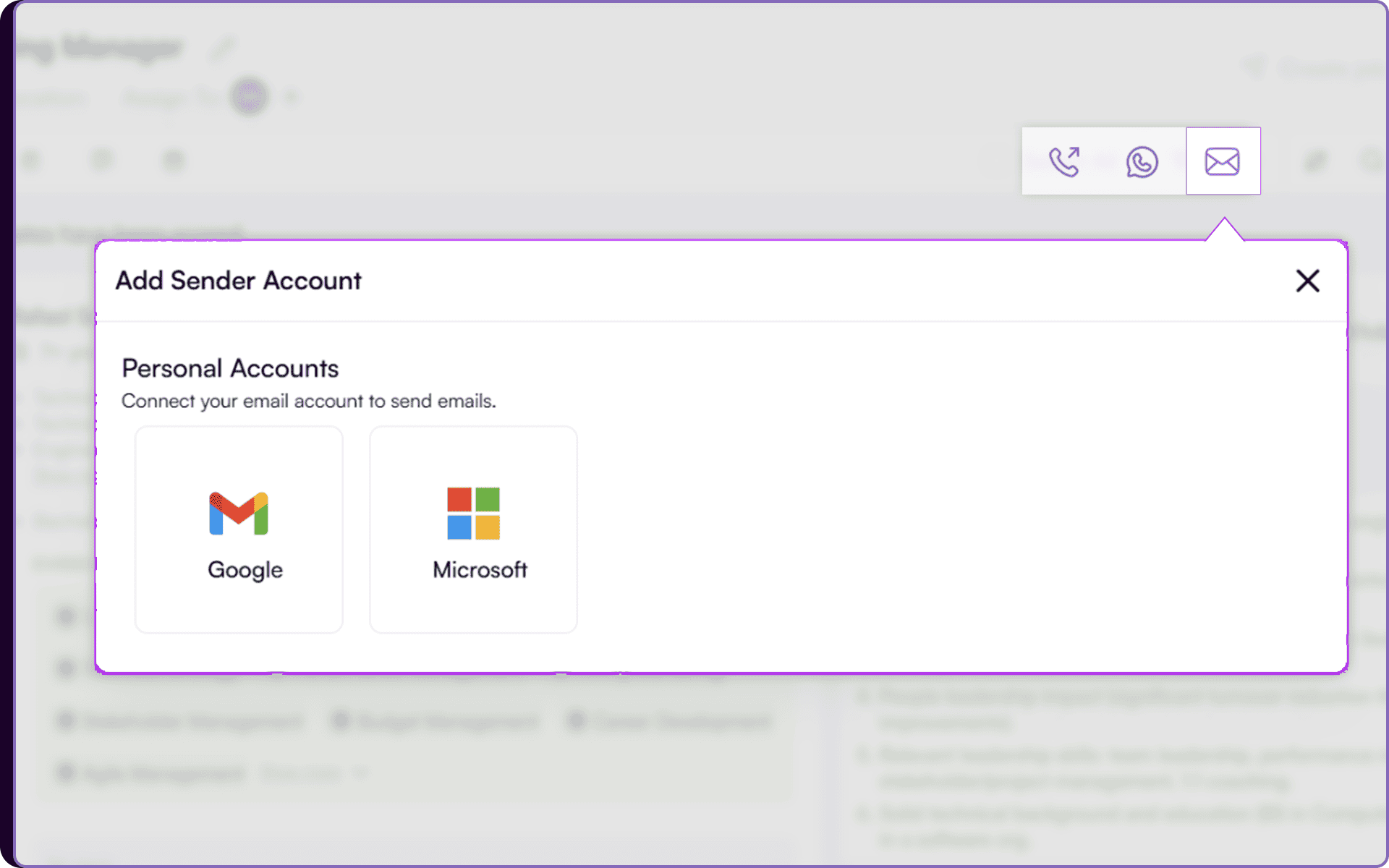 6. If your email account is not connected, choose either Gmail or Microsoft to connect your sender account
7. Complete the login and authorization flow through Nylas.
A Check Before Draft
The sender account check runs automatically every time the Send Email modal is opened from anywhere in the workflow, whether it’s candidate outreach, follow ups, or stage based communication. If there is no active email connection, Skima AI instantly shows a popup asking the recruiter to connect their email account before sending.
This helps teams catch connection issues at the very start of the workflow instead of discovering the problem after writing the message. Recruiters can fix access in the moment and continue communication without losing momentum.
Keep Outreach Moving
This update removes a frustrating blocker from recruiter communication workflows. Instead of spending time drafting emails only to face a failed send later, recruiters now know immediately if their sender account needs attention.
The result is smoother outreach, fewer missed follow ups, and faster candidate communication during active hiring cycles. It’s a small workflow check that protects one of the most time sensitive parts of recruiting.